Launch Applications on TV
You can launch applications on your TV through the following two methods:
- Through voice input on the Viyo remote control interface
- Through M4 mode on the Viyo remote control interface (i.e., application shortcut mode)
Voice Input Method
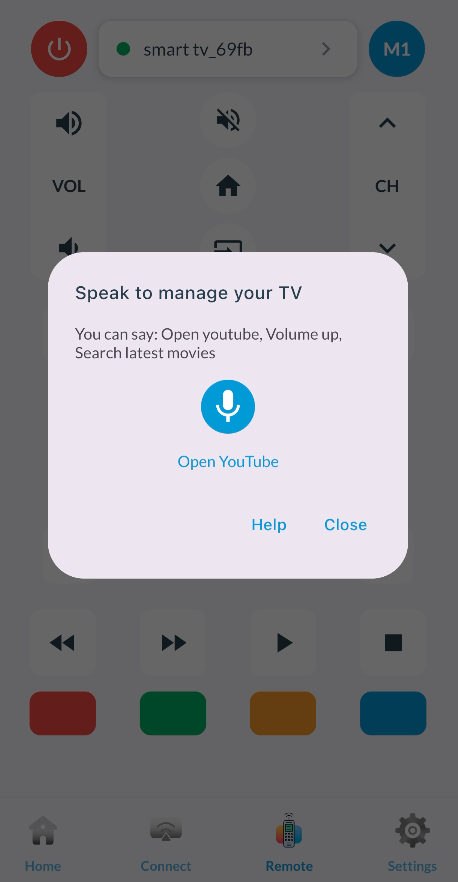
Simply click the "Voice" button in the figure, then speak what you want to operate in the pop-up dialog. For example, "Launch YouTube", "Open YouTube app", "Enter YouTube", etc.
Currently supported applications for voice commands include:
- YouTube, Netflix, ToonGoggles, Miracast, Amazon Prime Video, Pandora, Vudu, AccuWeather
- MovieArk, BrowseHere, Swift-tv, WeTV, Vasi (Voice Assistant), Tiwi (TV Screensaver)
For applications in the second category, if they are not yet installed on your TV, Viyo will prompt you whether you want to install them. If yes, Viyo will download and install the latest version of the application with one click.
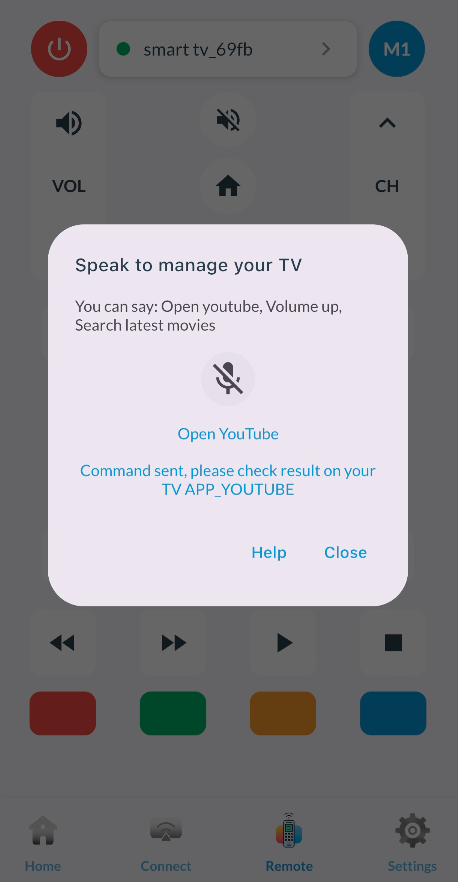
Below is a diagram of voice input. You just need to speak into your phone's microphone in the opened voice input box with requests like "Run YouTube":
After Viyo recognizes your voice, it will call the AI agent to analyze your request and execute the corresponding application launch command.
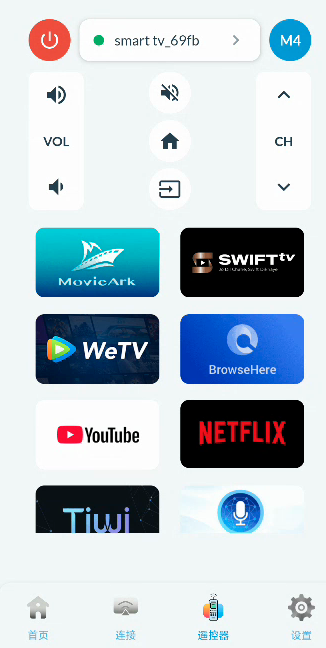
M4 Mode
You can click the mode switch button at the top of the Viyo remote control interface to switch to M4 mode, then click the application icons displayed below to launch the corresponding applications on the TV.
One-Click Application Installation
Whether launching applications through voice input or M4 mode, if your TV does not have the specified application installed, Viyo will pop up a prompt box similar to the one shown below to ask if you want to install the application.
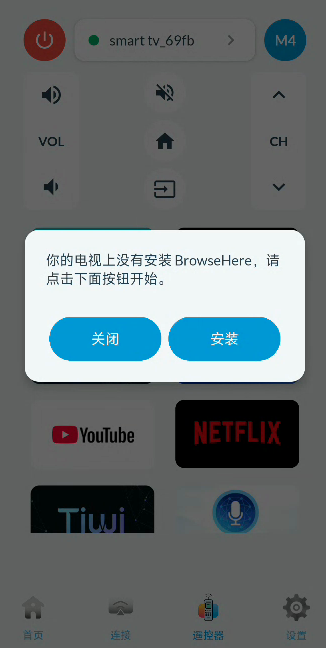
After clicking the install button in the dialog box, Viyo will display the installation progress dialog below and start downloading the corresponding application from the app store.
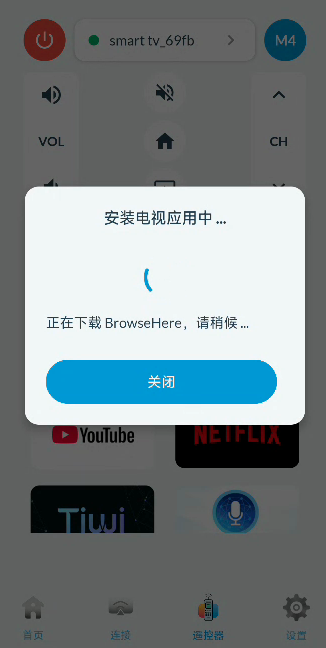
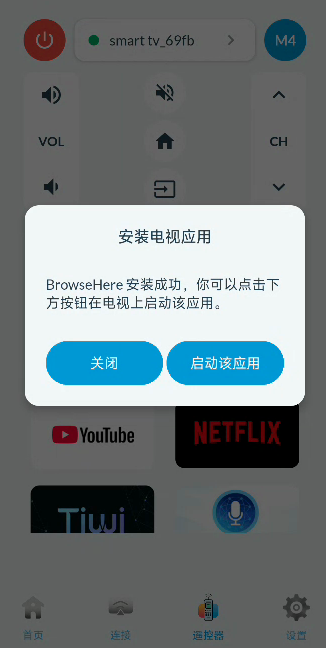
After installation is complete, you can click "Launch the application" to directly launch the corresponding application on the TV through Viyo.
Common Issues
Note:
The response speed of launching applications on the TV depends on your TV's configuration and whether the TV is currently busy. Generally, try to avoid launching too many applications on the TV in a short time, otherwise those applications will occupy your TV's limited resources, causing the TV to become slow.
If the TV becomes slow, please exit some applications first, or completely power off and restart before trying again.